I Built the Thing I Kept Telling You to Do By Hand
Over the last several months I wrote three posts about getting Planning Center data onto a church website. How to do it on Squarespace. How to do it on WordPress, Wix, and Webflow. What breaks when you put Giving on a public page.
All three were honest. Every technique in them works, and I still stand behind the instructions.
All three were also a little bit of a dodge.
Because the real answer to every one of them is that somebody at the church still has to go do it again next week. And the week after that.
The part I left out
Here is the thing those posts do not tell you, because it is not a technical problem and technical posts tend to skip it.
Registration closes in Planning Center. The website still says open, so three more families sign up for a retreat that is full. The calendar changes on Tuesday. The website finds out whenever the person who edits the website next opens the website. Someone adds a new small group. It lives in Planning Center, and it will get onto the site eventually, probably.
I have sat at desks in church offices and seen a sticky note on the monitor that just says "update website."
That sticky note is the actual problem. Not the embed code.
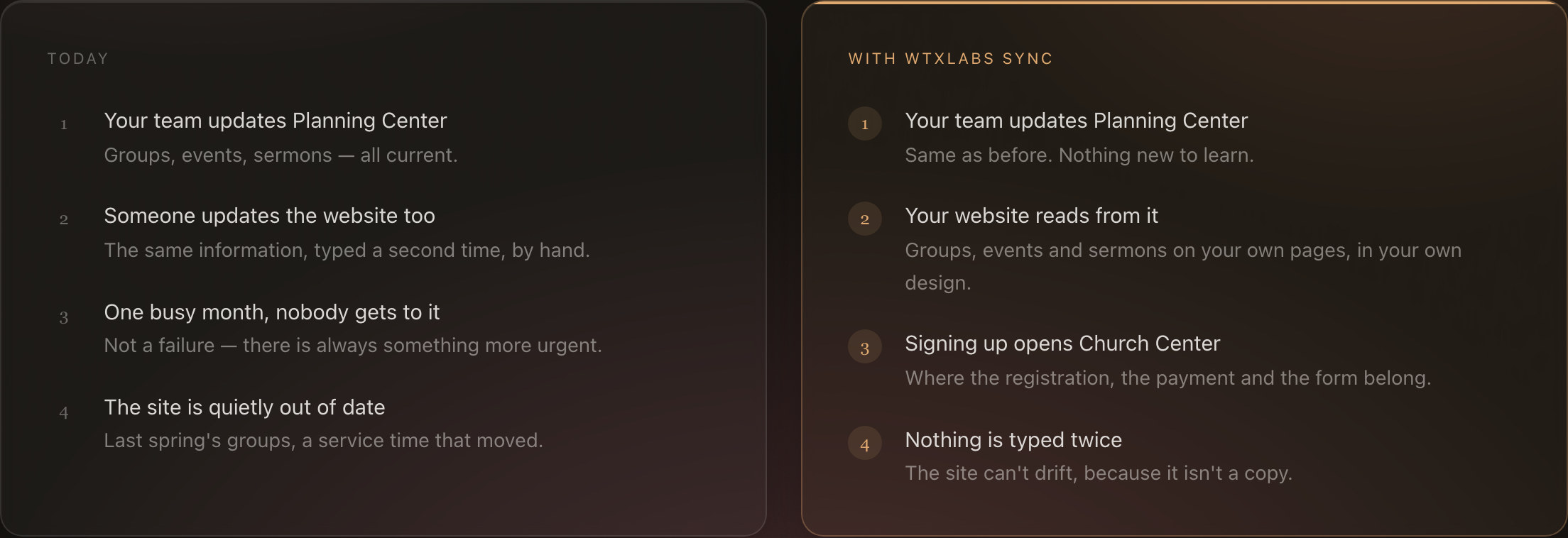
An embed gets Planning Center onto your site one time. It does not keep it there. Everything after that first Tuesday is a person remembering to go do it again, forever, on top of the other nine things they are doing. And church offices run thin. The communications person is also the bulletin person and frequently also the person who unlocks the building.
So the honest version of those three posts is this. Copying and pasting works fine right up until the moment somebody gets busy, and somebody always gets busy.
Embeds are not the problem. Next week is the problem.
I kept running into this at my own clients. Not as a crisis, just as a slow leak. Every site I maintained had some amount of Planning Center information on it that had quietly gone stale, and nobody had done anything wrong. The information was correct in Planning Center the whole time. It just never made the trip to the website.
At some point it stopped making sense to keep writing instructions for a job that should not have to be done by hand at all.
So I built wtxLabs Sync.
What it actually does
Sync reads your Planning Center data and puts it on your website, and then it keeps doing that without anyone thinking about it.
You paste one embed in. After that, when something changes in Planning Center, it changes on your website. You enter things once, in the place you already enter them, and the website follows along.
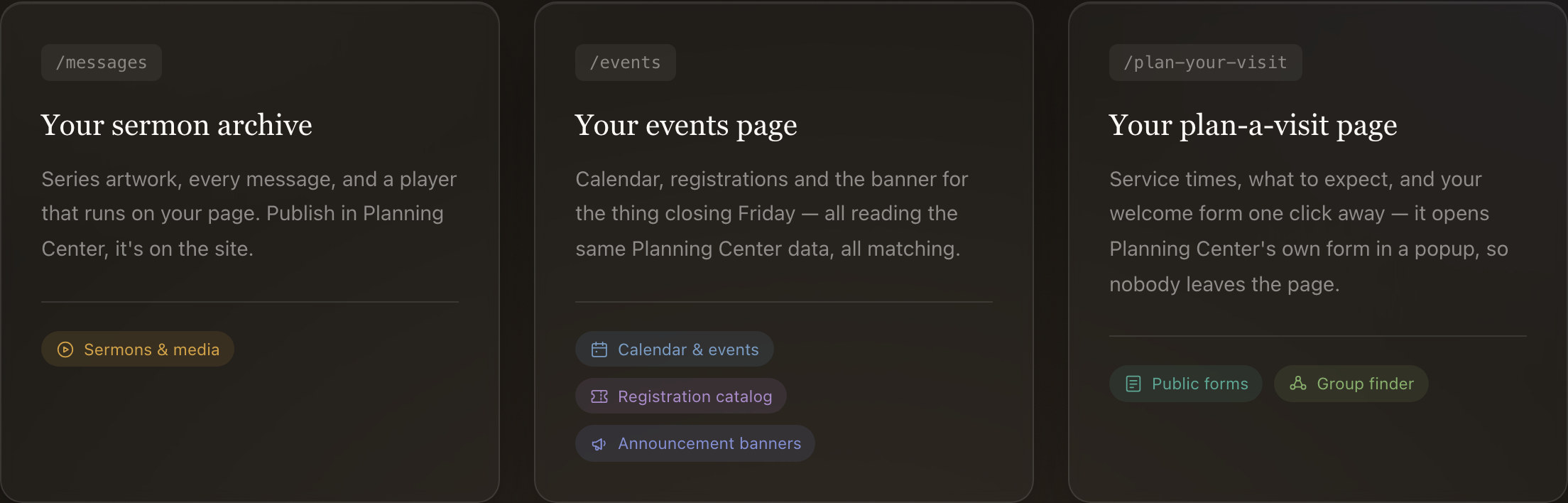
There are eight of these: registrations, calendar, groups, sermons, forms, giving, announcements, and setlists. It checks Planning Center every fifteen minutes.
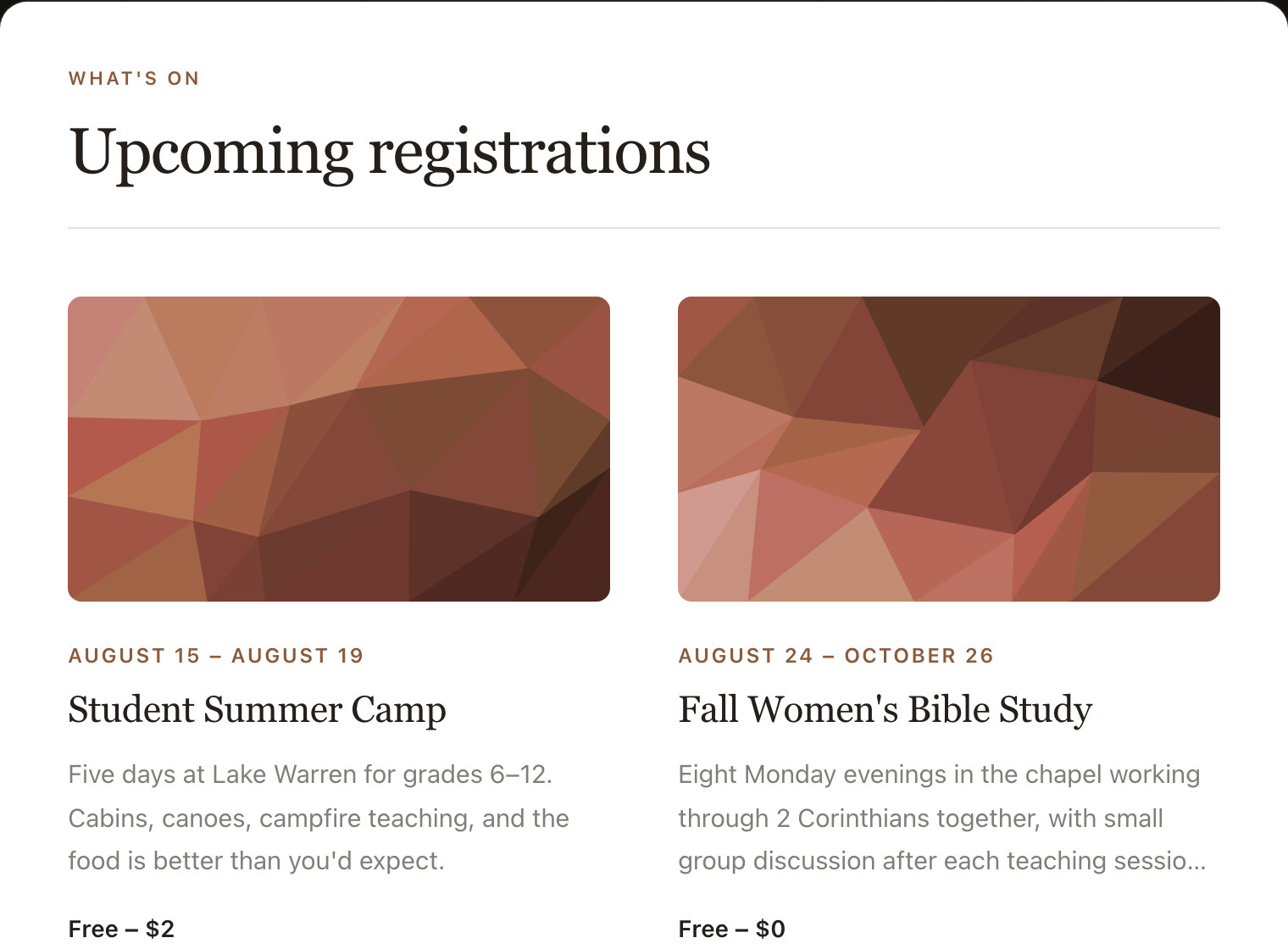
It runs on WordPress, Squarespace, Wix, Webflow, Ghost, The Church Co, and plain HTML. You do not switch anything. Whatever your site is built on, it stays built on that.
What it does not do, which matters more
I want to be specific here, because this is where church software usually gets vague.
Sync does not touch your money. It is not a payment processor. Giving still runs on your existing Planning Center and Stripe setup exactly the way it does today. I never handle a payment, and I could not if I wanted to.
Sync does not collect anything from your people. Forms open Planning Center's own popup over your page. Nothing anyone types goes through me. Their information goes where it already goes.
Sync only reads. It cannot change anything in your Planning Center account. It has no ability to edit, delete, or add a single record. That is deliberate, and it is not a limitation I am apologizing for. You are handing a vendor a connection to the system that holds your congregation's information. It should only be able to look.
Sync is not a website. If you do not have a site to paste this into, this is not the product for that. I do build church websites, but that is different work with a different price and we should just talk.
Sync is not Church Center. Church Center is Planning Center's app, and it is good. Sync is for your public website, the one people find on Google before they have ever downloaded anything.
What it costs
Nineteen dollars a month. Or a hundred and ninety a year, which is two months free.
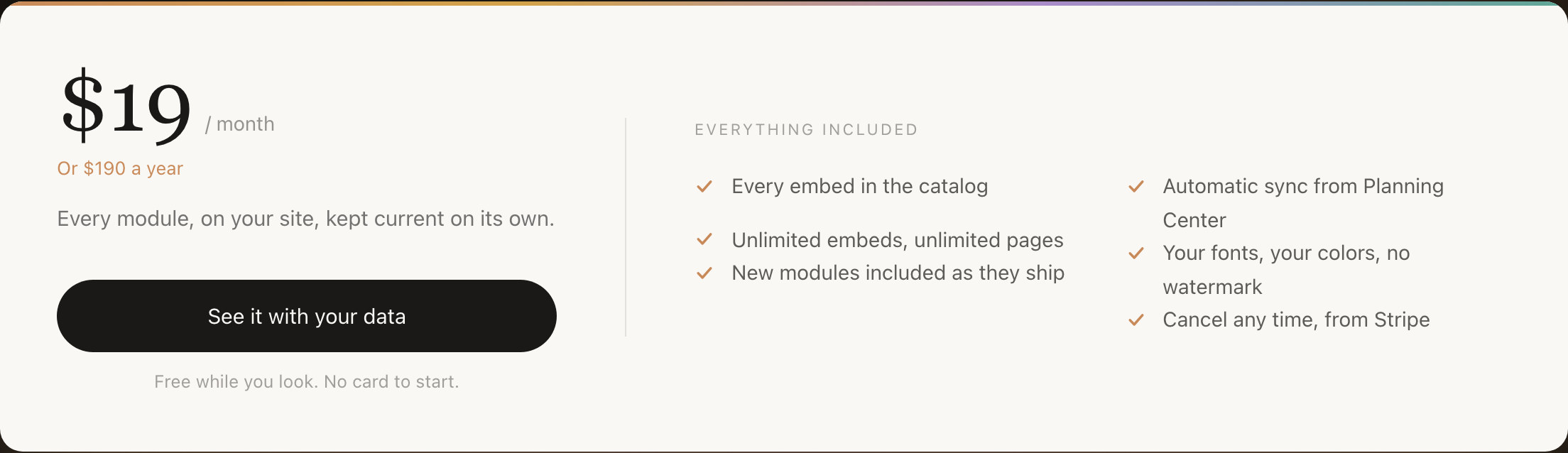
You can connect your own Planning Center account and see your own real data on a preview before you pay anything, and you do not need a card to do that. Free while you look, pay when you publish.
I am putting the price in writing because almost nobody else in church technology does. If you have shopped this category you already know the routine: request a demo, get a call, get a quote. I would rather you know the number now and decide whether it is worth your time to read the rest.
Who should not buy this
Some churches genuinely do not need this, and I would rather say so.
If all you need is one giving button, put a giving button on your site and be done. The plain embed handles that fine and costs nothing. The three posts I linked at the top will walk you through it.
If you are not on Planning Center, none of this applies. Sync reads Planning Center and only Planning Center.
If your website has one page and never changes, there is nothing here to keep in sync. You are not the problem this solves.
If one person on your staff genuinely enjoys updating the website and has the time, then your system is working. Do not fix it. I mean that.
This is for the church where the same information is being typed in two places, and one of those places keeps falling behind.
The bottom line
The three posts before this one told you how to do a job. This one is me admitting the job should not exist.
If the sticky note on somebody's monitor says "update website," go look at Sync on your own data before you pay for it. If it does not, you are in better shape than most churches, and you can ignore all of this with my blessing.
Try it on your own Planning Center data at sync.wtxlabs.com. No card to start.